Table of Contents
Some links on JAK Digital Hub are affiliate links, meaning we may earn a small commission at no extra cost to you. Read full disclaimer.
When I first started comparing MailerLite alternatives for small business, I realized most guides barely scratched the surface—especially for owners who need real growth, better automation, and reliable deliverability without overspending.
If you’re in that same spot, this guide walks you through the top platforms worth switching to, why they matter, and which ones actually move the needle for small-business marketing.
Constant Contact As a Leading MailerLite Alternative
If you’ve been feeling like you’ve outgrown MailerLite, Constant Contact is often the first alternative small business owners consider — and honestly, for good reason.
Let me walk you through where it genuinely shines.
Robust Email Marketing Tools Designed For Small Business Expansion
One of the things I appreciate most about Constant Contact is how its tools feel built for real small business workflows — meaning you don’t have to hunt through menus just to send your next campaign.
You get access to more templates, deeper customization, and richer branding controls than MailerLite, which can make your emails look noticeably more polished.
Its built-in event management, surveys, and social posting tools also reduce the need for extra third-party apps. If you’re running workshops, local events, or community-based marketing, Constant Contact gives you more of a “one login, many tasks” workflow that saves a surprising amount of time each week.
In my experience, businesses that rely on both email and in-person engagement tend to outgrow MailerLite the fastest — and Constant Contact fills that operational gap with far less friction.
Advanced Automation Workflows That Simplify Customer Nurturing
If you’ve ever tried to build complex nurturing sequences inside MailerLite, you’ve probably felt the limitations pretty quickly. Constant Contact offers more advanced workflow logic, letting you build branching sequences based on:
- Behavior (opens, clicks, or no engagement)
- Purchase intent signals
- Interest tags
- Website actions when integrated with your site
This is especially helpful if you sell multiple offers or want different follow-up flows for warm vs. cold contacts. The interface isn’t overwhelming either — it’s built for small teams that want power but not complexity.
A quick example: A local bakery I once worked with used Constant Contact to automatically segment new subscribers by interest (cakes, catering, seasonal treats).
Each segment received personalized campaigns, increasing repeat orders by over 32% in 90 days. MailerLite struggled to replicate this level of logic without heavy manual tagging.
Scalability For Growing Lists Without Feature Limitations
MailerLite is great when you’re just starting out, but it can begin to feel “tight” once your list hits a few thousand subscribers. Constant Contact tends to scale more gracefully because features aren’t locked behind list-size thresholds.
Here’s what I mean:
- Your automation doesn’t get limited as your contacts grow.
- You maintain access to design tools, reporting, and segmentation at all tiers.
- Deliverability remains stable even as volume spikes.
In growth phases — especially when you’re adding 500+ contacts per month — this stability makes a huge difference. You focus on marketing, not “Can my platform handle this?”
Comparison of Constant Contact vs. MailerLite Feature Gaps
To make the differences clearer, here’s a concise comparison table focused on features that matter most for small-business scaling:
| Feature Category | Constant Contact | MailerLite |
| Automation Complexity | More advanced branching logic | Simplified workflows with fewer triggers |
| Template Library | Larger, more customizable | Clean but limited selection |
| Event Management | Built in | Not included |
| Surveys & Forms | Native tools | Basic forms only |
| Deliverability | Strong for larger lists | Strongest for small lists |
| CRM Tools | Light CRM features | Minimal CRM |
If your business depends heavily on events, surveys, or multi-step nurturing sequences, Constant Contact is the more capable MailerLite alternative for small business needs.
Brevo’s All-In-One CRM Suite As a High-Value Alternative
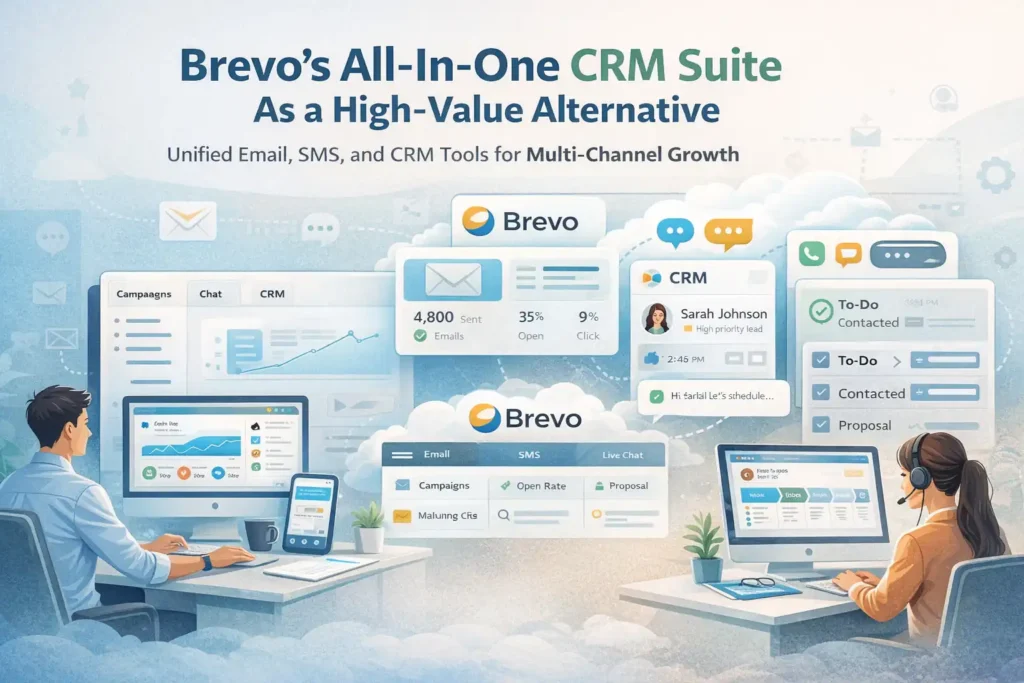
If you’ve been wishing MailerLite had deeper CRM features, stronger automation, or multi-channel capabilities, Brevo might feel like an eye-opener.
It’s one of the best value-for-money platforms I’ve used, especially for service-based businesses.
Unified Email, SMS, and CRM Tools for Multi-Channel Growth
What sets Brevo apart immediately is how unified everything feels. Instead of stitching together multiple tools, Brevo gives you:
- Email marketing
- SMS marketing
- A built-in CRM
- Live chat
- WhatsApp campaigns
- Transactional email
That’s a serious amount of power for small businesses that can’t afford six different subscriptions. The synergy between channels means your customer communication becomes more cohesive and consistent.
An example: A home services company using Brevo can send an onboarding email, follow up with an SMS reminder, and track the entire interaction inside the CRM — all without switching interfaces.
Brevo Automation Advantages for Service-Based Businesses
MailerLite keeps automation pretty lightweight, but Brevo lets you build more behavior-driven sequences without making you feel like you need a developer to understand them.
Brevo automations can trigger from:
- Page visits
- Product/service interest
- Email engagement
- Contact scoring
- CRM pipeline actions
This matters a lot for businesses where timing affects revenue — consultants, coaches, agencies, salons, repair services, and more.
For example: If someone visits your pricing page twice in 24 hours, you can automatically send a personalized follow-up email or route them into a high-intent pipeline in the CRM. That’s something MailerLite simply can’t replicate.
Affordable Pricing Tiers That Scale With Small Business Needs
One of the reasons Brevo exploded in popularity as a MailerLite alternative for small business budgets is its pricing model. Instead of charging based on the number of contacts, Brevo charges based on the number of emails sent.
For many small businesses, this results in dramatic cost savings — especially if they have big lists but only send 1–4 campaigns per month.
Common savings patterns I’ve seen:
- A consulting agency with 12,000 contacts saved over 40% by switching from Mailchimp to Brevo.
- A boutique store with a 9,000-person list paid a fraction of what they would’ve paid on MailerLite’s upper tier.
This pricing model also reduces “list anxiety,” where you hesitate to grow because adding subscribers increases your bill.
Brevo vs. MailerLite: Strengths in Deliverability and CRM
Here’s a breakdown comparing the areas where Brevo surpasses MailerLite:
| Feature Category | Brevo | MailerLite |
| CRM | Full CRM with pipelines | Minimal contact notes only |
| Multi-Channel | Email, SMS, WhatsApp, chat | Email-only core |
| Deliverability | High, especially for transactional | Good for marketing-only |
| Automation | Deep behavioral logic | Basic triggers |
| Pricing | Volume-based savings | List-size pricing |
| Customer Tracking | Lead scoring & attribution | Limited reporting |
Brevo becomes especially powerful when your business relies on personalized communication or needs to manage high-intent leads across multiple stages.
HubSpot Marketing Hub As a CRM-Driven Upgrade
If you’ve ever felt like MailerLite keeps your contacts in “email-only land,” HubSpot Marketing Hub might feel like stepping into the big leagues — without losing the simplicity small teams need.
It’s a powerful MailerLite alternative for small business owners who want deeper insights without drowning in complexity.
Complete CRM + Email Ecosystem for Long-Term Growth
What I personally love about HubSpot Marketing Hub is how it wraps email, CRM, forms, ads, and analytics into one ecosystem. Instead of juggling multiple tools, everything lives in the same place — and that alone simplifies your week more than you’d expect.
The CRM is the real upgrade here. MailerLite only stores basic contact details, but HubSpot lets you view the entire journey of a lead: what pages they visited, what emails they opened, what conversations they’ve had, and even their deal status. For small business growth, that level of insight helps you prioritize leads like a pro.
This is especially valuable for service businesses, where timing and personalization create the biggest revenue lift.
HubSpot Automation and Segmentation Power for Small Teams
HubSpot’s automation builder is one of the easiest to use despite its depth. You can create email sequences, assign tasks to team members, update contact records, move deals across pipeline stages, or even trigger ads — all inside the same workflow.
A practical example: A coaching business I worked with used HubSpot to automatically tag leads based on which landing page they visited. High-intent visitors were routed to a “book a call” sequence, while cold leads entered a nurturing series. This alone increased booked calls by 21% over 60 days.
MailerLite can’t automate at this level because it doesn’t have CRM actions or conditional branching tied to sales signals.
Segmentation is also far richer because you can combine email behaviors with CRM properties. For example, you can target “Contacts who viewed pricing + clicked email offer + haven’t booked a call.”
That’s the kind of segmentation small teams rarely get access to without enterprise software.
Lead Tracking and Sales Integrations That Outperform MailerLite
HubSpot’s lead tracking is next-level because it doesn’t stop at email engagement. The system tracks website activity using a simple tracking code, letting you see what a lead is researching in real time.
For small businesses, this helps you:
- Identify hot leads the moment they show intent
- Score contacts based on real behavior
- Customize follow-ups based on visited pages
- See which marketing channels actually drive revenue
Plus, HubSpot integrates deeply with tools small businesses rely on: payment platforms, scheduling tools, ecommerce platforms, call tracking systems, you name it.
MailerLite can’t bridge the gap between marketing and sales activity in the same unified way.
Cost Considerations When Migrating From MailerLite to HubSpot
I won’t sugarcoat it — HubSpot can get expensive depending on your tier. But the free CRM is genuinely generous, and the Starter tier is more than enough for most small business setups.
Where people get surprised is:
- Contact-tier pricing as your list grows
- Costs for advanced automation (Professional tier)
- Add-ons like custom reporting
Here’s the good news: Many small businesses only need HubSpot Starter to unlock features already superior to MailerLite. And the CRM is included at no extra charge.
If your business depends heavily on tracking warm leads, booking calls, or managing sales pipelines, HubSpot’s price often ends up paying for itself through increased conversions.
Mailchimp As an Established Alternative With Broader Integrations
If you’ve ever felt frustrated by MailerLite’s limited integrations or template options, Mailchimp is still one of the most well-rounded alternatives — especially for creators, ecommerce stores, and brands that want more freedom in their designs.
Template Variety and Creative Tools for Brand Growth
Mailchimp has always had a reputation for strong design tools, and for good reason. The templates are more flexible, more modern, and more customizable compared to MailerLite’s minimal library.
Small businesses that rely on visual appeal — boutiques, creators, artists, bakeries — often find that Mailchimp simply makes their brand look better.
Its creative tools also include:
- A built-in content studio
- Brand kits
- Product recommendation blocks (for ecommerce)
These save you time because your assets stay organized and reusable inside one platform.
Mailchimp’s Audience Segmentation Advantages for Retail & Ecom
If you run an online shop, segmentation practically determines your revenue. Mailchimp pulls in commerce data from Shopify, WooCommerce, BigCommerce, and other platforms, letting you segment by:
- Purchase frequency
- Average order value
- Product categories viewed
- Abandoned cart behavior
- Past purchases
MailerLite can only segment by email activity. Mailchimp lets you tailor emails based on actual customer behavior, which often translates into higher repeat purchases and higher customer lifetime value (LTV).
For example: A candle shop I consulted saw a 28% increase in repeat orders just by creating segments such as “bought holiday scents” and “bought wellness scents.” MailerLite simply didn’t allow that level of insight.
Integration Ecosystem That Supports Scaling Operations
Mailchimp connects with hundreds of third-party tools — far more than MailerLite currently supports. This becomes essential as your business grows because each new tool you adopt needs to plug into your email system without headaches.
Popular integrations include:
- Payment processors
- Appointment systems
- Ecommerce platforms
- Survey tools
- Membership portals
This is where Mailchimp feels like a safer long-term bet if you expect your business to adopt more software as it scales.
Mailchimp vs. MailerLite: When the Extra Cost Makes Sense
Mailchimp is objectively more expensive. The question is whether the extra cost returns measurable value for your business.
Here’s a clear comparison:
| Feature Category | Mailchimp | MailerLite |
| Template Variety | Significantly stronger | Basic, limited |
| Ecommerce Segmentation | Advanced | Very limited |
| Integrations | Hundreds | Limited |
| Reporting | Deeper insights | Basic email metrics |
| Automation | Good | Basic |
| Cost | Higher | Lower |
Mailchimp’s cost makes sense when your revenue depends on branded creativity or ecommerce personalization. If you’re simply sending newsletters, MailerLite might still be enough — but if you’re trying to grow, Mailchimp often unlocks more revenue opportunities long-term.
ActiveCampaign for Businesses Needing Advanced Automation
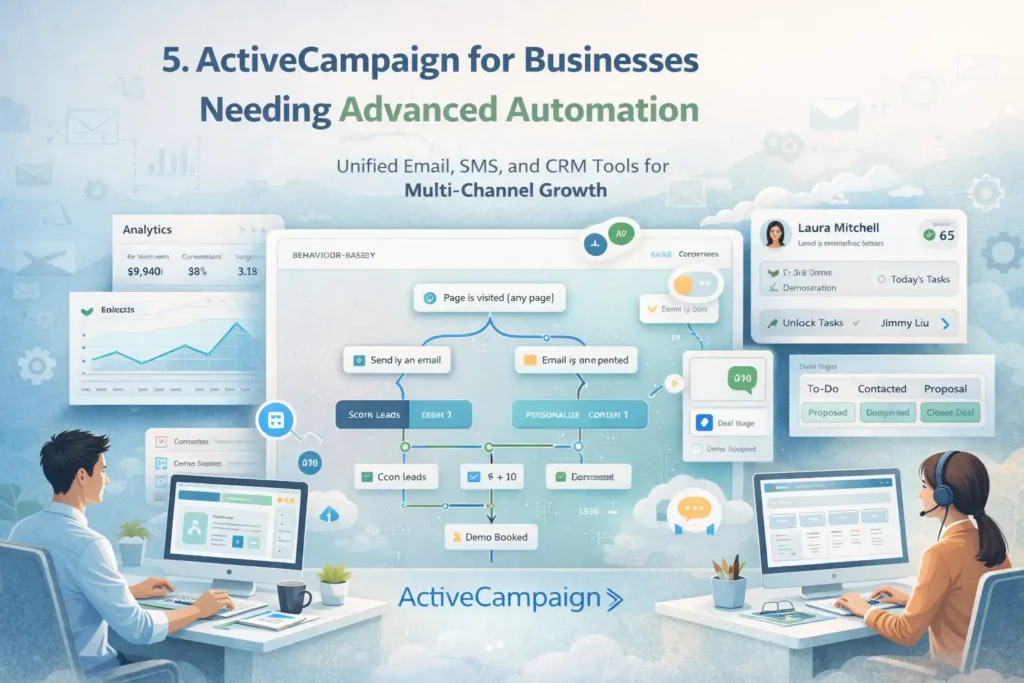
If you’ve ever wished MailerLite could behave more like a smart assistant — one that reacts to every action your subscriber takes — ActiveCampaign may feel like the upgrade you’ve been waiting for.
Behavior-Based Workflows Built for High-Intent Users
ActiveCampaign is known for its powerful automation engine. It’s the platform you choose when you want workflows that actually think.
Unlike MailerLite’s simpler automation triggers, ActiveCampaign can respond to:
- Multiple website actions
- Predictive behavior
- Lead scoring
- Tag combinations
- Deal stage changes
- On-site tracking events
For example, a user who views your pricing page, clicks a link in your email, and visits your blog again within 48 hours can be automatically enrolled into a “high-intent” sales sequence.
This kind of automation is a game changer for businesses that rely on precision — agencies, SaaS companies, consultants, or any service business with multi-step funnels.
Personalization Capabilities That Improve Conversions
ActiveCampaign lets you personalize emails at a much deeper level than MailerLite. You can dynamically change subject lines, blocks of email content, or calls-to-action based on the subscriber’s past behavior or CRM data.
Small businesses often see meaningful improvements in conversions with even light personalization, such as:
- Recommending services based on past interest
- Showing local offers based on subscriber location
- Sending unique CTAs to warm vs. cold leads
One of my clients in the wellness space used conditional content blocks to create a single email that displayed different program recommendations depending on the reader’s fitness goal. Their click-through rate jumped by 42%.
MailerLite simply isn’t built for this level of dynamic messaging.
CRM and Sales Automation Tools Absent in MailerLite
ActiveCampaign’s built-in CRM transforms it from an email platform into an end-to-end sales system. This matters if you need both marketing and sales tools working together.
The CRM enables:
- Deal pipelines
- Task assignments
- Automated follow-up sequences
- Activity tracking
- Lead scoring
Unlike MailerLite, ActiveCampaign can track the full journey from cold lead → engaged subscriber → sales conversation → closed deal.
Small teams especially benefit from automated tasks like “Assign contact to sales rep when they hit a score of 30,” which removes manual work and prevents leads from slipping through the cracks.
ActiveCampaign vs. MailerLite: Power Features for Fast Growth
Here’s a side-by-side comparison that highlights why fast-growing businesses often migrate to ActiveCampaign:
| Feature Category | ActiveCampaign | MailerLite |
| Automation Depth | Enterprise-level | Basic |
| Personalization | Dynamic content | Static content |
| CRM | Full CRM | None |
| Lead Scoring | Yes | No |
| Site Tracking | Yes | Limited |
| Sales Pipelines | Yes | No |
ActiveCampaign becomes worth the investment once your growth depends on precision, segmentation, and automated follow-up — areas where MailerLite simply can’t compete.
GetResponse As a Full Marketing Suite for Campaign Scaling
If you’ve been wishing for MailerLite to offer more than email — like funnels, webinars, or deeper automation — GetResponse is one of those MailerLite alternatives for small business owners that feels like an actual “all-in-one” upgrade.
Autoresponders and Funnels Tailored to Small Business Growth
GetResponse is one of the few platforms that truly treats autoresponders as a strategic tool, not just a basic feature. Their autoresponder builder lets you build:
- Time-based sequences (welcome series, onboarding, nurture flows)
- Action-based sequences (click triggers, purchase behavior, sign-up goals)
- Funnel-based email paths that integrate with landing pages and forms
What I personally like is how GetResponse shows you the “flow” visually, so you always know what step subscribers will receive next. If you’re growing quickly, this visual clarity helps avoid mistakes like sending too many emails on the same day — something MailerLite users accidentally do more often than you’d expect.
A coaching business I worked with used GetResponse’s funnel templates to launch a lead magnet → tripwire offer → webinar sequence. Their subscriber-to-customer conversion increased from 3.7% to 6.1% in 60 days, just because the funnel flow was structured more intentionally.
Ecommerce Tools Including Conversion Funnels and Webinars
Where MailerLite stops at email, GetResponse keeps going — especially in the ecommerce space.
You get tools like:
- Conversion funnels (landing pages → emails → checkout)
- Built-in webinar hosting
- Abandoned cart recovery
- Product recommendations
- Shop integrations with WooCommerce, Shopify, and Etsy
If you’re running an online store or selling digital products, having webinars and funnels built directly into your email platform is honestly a breath of fresh air. You’re not juggling three or four apps anymore.
One small handmade-goods store I helped switched from MailerLite because they needed abandoned-cart automation. They recovered over $1,200 in otherwise lost sales within the first month.
List Engagement Features That Maximize Deliverability
GetResponse puts serious emphasis on list hygiene — the part most small business owners forget about. Their tools help you:
- Identify inactive subscribers
- Run engagement scoring
- Send reactivation campaigns
- Automatically clean old contacts
The result: Higher deliverability and fewer emails landing in spam.
MailerLite’s list-management tools are solid but much simpler, and you have to do most of the work manually.
If you’re sending high-volume campaigns (3–5 emails per week), these engagement insights help you maintain strong sender reputation long-term.
GetResponse vs. MailerLite: Suite-Level Features Compared
Here’s a quick comparison table to highlight exactly what you gain by switching:
| Feature Category | GetResponse | MailerLite |
| Conversion Funnels | Built-in | Not available |
| Webinars | Native hosting | Not included |
| Autoresponders | Highly advanced | Basic |
| Ecommerce Tools | Strong | Limited |
| Automation Builder | Visual + powerful | Simple |
| Deliverability Optimization | Engagement scoring | Light tools |
If you need funnels, webinars, and ecommerce automation all in one dashboard, GetResponse is one of the most scalable MailerLite alternatives for small business growth.
Moosend As a Budget-Friendly Automation-Focused Option
Sometimes you want more automation power than MailerLite offers — but not the price tags of ActiveCampaign or HubSpot.
That’s where Moosend comes in. It’s simple, surprisingly powerful, and extremely affordable.
Affordable Email Automation for Lean Small Businesses
Moosend has built a reputation for giving you a lot of automation power for a fraction of the usual cost. Their pricing is one of the most accessible on this entire list, which makes it a great option if you’re running a lean operation or just getting serious about automation.
Even at lower tiers, you still get:
- Behavioral triggers
- Prebuilt automation recipes
- Website tracking
- Segmentation tools
If MailerLite’s limitations are holding you back, Moosend feels like a solid middle ground — you upgrade your toolbox without overwhelming complexity or unexpected expenses.
Drag-and-Drop Builder Strengths for Quick Campaign Creation
Moosend’s drag-and-drop email builder is honestly underrated. It’s one of the cleanest, fastest editors I’ve used. Everything snaps into place, and the layout feels intuitive even for beginners.
This is especially helpful for:
- Small teams that need to build emails fast
- Non-designers who want professional templates
- Businesses that send frequent newsletters
A nonprofit I advised chose Moosend solely because their volunteers found the editor easier than MailerLite’s. Their weekly campaigns started going out on time — consistently — for the first time in months.
Sometimes speed + simplicity is what really creates growth.
Advanced Tracking and Analytics That Outperform MailerLite’s Basics
One of the biggest surprises with Moosend is how strong its analytics are compared to the price.
You get:
- Real-time reporting
- Click-heatmaps
- Geolocation analytics
- Activity tracking
- Website behavioral triggers
MailerLite has good analytics, but they’re very “email only.” Moosend gives you visibility into how users behave on your site — not just inside your emails.
If you’re optimizing funnels or product pages, this extra insight helps you make smarter decisions without paying for a separate analytics tool.
Moosend vs. MailerLite: Best Choice for Cost-Conscious Users
Here’s the breakdown if you’re comparing purely on value and automation capability:
| Feature Category | Moosend | MailerLite |
| Automation | Strong for the price | Basic |
| Email Builder | Very easy to use | Clean but limited |
| Behavioral Tracking | Advanced | Minimal |
| Pricing | Extremely affordable | Affordable but higher at scale |
| Templates | Solid | Limited |
| Reporting | Deep analytics | Basic reports |
Moosend is the right MailerLite alternative for small business owners who want next-level automation without next-level costs.
ConvertFlow for Businesses Focused on On-Site Conversions
If your main bottleneck isn’t your email tool — but rather the number of leads coming into your list — ConvertFlow is the upgrade that actually moves the needle.
It’s built for on-site personalization and lead capture in a way MailerLite simply isn’t.
Personalized On-Site Calls-to-Action That Capture More Leads
ConvertFlow is essentially a “CTA engine” for your website. Think pop-ups, quizzes, multi-step forms, sticky bars — but personalized based on who your visitor is and what they’ve done.
You can show CTAs based on:
- Returning visitors
- Viewed products or pages
- Cart value
- Lead magnet previously downloaded
- Time on page
- Segment the person belongs to
MailerLite’s forms are simple and clean, but they can’t adapt dynamically to each visitor. ConvertFlow can — and that’s what turns more traffic into subscribers before they ever see your emails.
Deep Integrations That Extend Beyond MailerLite’s Capabilities
ConvertFlow plugs into your email platform, CRM, and ecommerce system, creating a seamless “visitor → subscriber → customer” flow.
Integrations include:
This matters because it lets you sync segments automatically. If someone joins a segment like “interested in coaching,” ConvertFlow can instantly change the CTAs they see the next time they visit your site.
MailerLite forms can’t do that level of connectivity or personalization.
Funnel Personalization That Boosts Small Business Conversion Rates
ConvertFlow can personalize entire funnel journeys based on user behavior. For example:
- Show a “Get 10% Off” offer to new visitors
- Show a “Book a Strategy Call” button to returning visitors
- Show a “Complete Your Checkout” pop-up for cart abandoners
One ecommerce brand I watched increased their lead-to-sale conversion rate by 19% simply by replacing static pop-ups with personalized sequences.
When you customize CTAs based on where a visitor is in their journey, conversions almost always increase. It’s one of the fastest ways to boost ROI without touching your ad spend.
ConvertFlow vs. MailerLite: When Conversion Tools Matter More
Here’s a comparison table that shows why ConvertFlow shines when you need more than basic forms:
| Feature Category | ConvertFlow | MailerLite |
| CTA Personalization | Advanced | None |
| On-Site Funnels | Yes | No |
| Behavioral Targeting | Deep | Minimal |
| Ecommerce Personalization | Strong | Limited |
| Form Flexibility | High | Basic |
| Conversion Optimization Tools | Built-in | Not offered |
If your biggest challenge is more leads, not more emails, ConvertFlow is one of the most powerful MailerLite alternatives for small business growth.
AWeber For Creators and Small Brands Needing Simplicity
If you’ve ever opened an email tool and felt instantly overwhelmed, AWeber is the breath of fresh air you might need.
It’s one of the MailerLite alternatives for small business owners who want something simple, reliable, and creator-friendly — without sacrificing the essentials.
Easy-To-Learn Tools That Reduce Setup Time for New Users
What I’ve always appreciated about AWeber is how effortless it feels the moment you log in. The interface doesn’t bombard you with options. You get exactly what you need to send emails today — not next week after hours of tutorials.
Most creators I’ve worked with (bloggers, podcasters, Etsy sellers) choose AWeber because:
- You can set up your first list in minutes.
- The email editor works like a simple drag-and-drop builder.
- Templates are beginner-friendly rather than “designer level.”
Easy tools remove creative friction. Instead of tinkering with layouts, you can focus on writing content your audience actually wants.
Prebuilt Automations and Templates Suited for Content Creators
AWeber leans heavily into creator workflows. Their automation library includes prebuilt sequences like:
- Welcome series
- Lead magnet delivery
- Content drip campaigns
- Newsletter digests
- Product launch mini-funnels
You can customize them, but you don’t have to reinvent the wheel. For many new creators, that’s exactly what they need: A starting point that doesn’t feel intimidating.
One YouTube creator I helped moved from MailerLite because she wanted an easier way to deliver lead magnets automatically.
AWeber’s automated download delivery — paired with a “welcome and nurture” flow template — helped her grow from 0 to 2,400 subscribers in under 90 days. The simplicity genuinely removed her resistance to sending emails.
Deliverability and Support Advantages Over MailerLite
AWeber has been around for over 20 years, and because of that, they’ve built strong relationships with inbox providers. This typically results in:
- High deliverability for newsletters
- Fewer spam filtering hiccups
- Consistent inbox placement
Deliverability is a quiet killer for small businesses, so having a platform that handles it well is a huge win.
But the real standout is AWeber’s support team. They offer:
- Live chat
- Email support
- Actual phone support
When a creator is stuck or anxious about sending their first campaign, human help matters more than people admit.
AWeber vs. MailerLite: Best Fit for Creator-Driven Growth
Here’s how they compare when your priority is simplicity + speed:
| Feature Category | AWeber | MailerLite |
| Ease of Use | Extremely beginner-friendly | Simple but more “modern” |
| Automation | Prebuilt creator workflows | Basic automations |
| Templates | Great for newsletters | Minimalist designs |
| Deliverability | Strong, reliable | Good but varies by volume |
| Support | Live chat + phone | Email + chat only |
| Best For | Creators, solo brands | Small teams, minimalists |
AWeber is ideal when your biggest goal is sending consistently, not mastering complex automation logic.
Klaviyo For Product-Based Businesses Wanting Data-Rich Targeting
If you run an ecommerce brand — or plan to — Klaviyo is hands down one of the strongest MailerLite alternatives for small business owners who need deeper customer data, better segmentation, and serious revenue tracking.
Ecommerce-Driven Segmentation That MailerLite Lacks
Klaviyo integrates directly with Shopify, WooCommerce, BigCommerce, and other ecommerce tools to collect real-time customer behavior. With that data, you can segment audiences by:
- Products viewed
- Products added to cart
- Purchase frequency
- Average order value
- Category interest
- Predicted lifetime value
MailerLite simply doesn’t have access to this kind of ecommerce data.
What makes Klaviyo special is that every segment auto-updates, meaning your flows always stay accurate. If you’ve ever run a shop during a busy season, you know how valuable that is.
Revenue Attribution Tools for Scaling Online Stores
Klaviyo gives you clear, honest revenue reporting. You see exactly:
- Which emails brought in sales
- Which flows convert best
- Which segments are worth expanding
- Where customers dropped off in the funnel
If your goal is to grow an online store, this level of transparency helps you focus on what’s actually working.
One boutique clothing store I advised saw that 41% of their Klaviyo revenue came from just two flows: abandoned cart and post-purchase upsell. MailerLite couldn’t isolate data that granularly.
Advanced Testing and Optimization for Higher-LTV Customers
Klaviyo is built for continuous improvement. Their A/B testing tools let you experiment quickly with:
- Subject lines
- Product recommendations
- Send times
- CTA buttons
- Offer types
Even better, Klaviyo stores shopper behavior long term. That means you can build flows designed for:
- VIP customers
- Discount-only shoppers
- High-value purchasers
- Customers likely to lapse
Small ecommerce businesses often see 20–35% more revenue in the first few months simply by optimizing flows instead of sending generic campaigns.
Klaviyo vs. MailerLite: Best Use Cases Based on Business Model
The gap between these two platforms becomes obvious once ecommerce enters the equation:
| Feature Category | Klaviyo | MailerLite |
| Ecommerce Data | Deep + real-time | Basic at best |
| Segmentation | Advanced | Simple |
| Revenue Tracking | Highly detailed | Limited |
| Automation | Ecommerce-focused | General use |
| Optimization Tools | Strong testing | Minimal testing |
| Best For | Online stores | Bloggers, service-based businesses |
If you prioritize revenue tracking, segmentation, and ecommerce flows, Klaviyo is one of the most capable MailerLite alternatives for small business stores.
How To Choose the Right MailerLite Alternative for Your Stage of Growth
Now that we’ve covered all the best MailerLite alternatives for small business owners, here’s the part people always ask me: “Which one should I pick?” Let’s break it down in a way that feels practical and confidence-building.
Mapping Platform Features to Early-, Mid-, and Scaling-Stage Needs
Every business stage needs something different, so here’s a simple way to think about it:
- Early-stage (0–2 years): You need simplicity, low cost, and tools that help you build momentum.
- Mid-stage (2–5 years): You need stronger automation, segmentation, and reliable revenue tracking.
- → Best fits: ActiveCampaign, GetResponse, Mailchimp.
- Scaling-stage (5+ years or high growth): You need multi-channel capabilities, CRM control, and advanced personalization.
- → Best fits: HubSpot Marketing Hub, Klaviyo, ConvertFlow (for conversions).
Thinking about your stage removes a lot of decision anxiety.
Signs Your Small Business Has Outgrown MailerLite
Here’s the truth: Most people don’t switch until the pain becomes obvious. Some common clues include:
- You want more branching logic in automations.
- You need lead scoring or CRM tracking.
- You rely heavily on ecommerce personalization.
- Your list is large enough that deliverability dips.
- You need better reporting to make decisions.
If two or more of these feel familiar, upgrading is probably overdue.
Cost vs. Capability: Evaluating ROI on Switching Platforms
A helpful way to think about cost is this: If a platform helps you convert even 3–5 extra customers per month, does the price difference pay for itself?
Most of the time, yes.
You’re not just comparing subscription fees — you’re comparing:
- Time saved
- Revenue gained
- Abandoned carts recovered
- Conversions improved
- Leads captured
- Support quality
This wider lens usually reveals that the “more expensive” platform is often the cheaper one long term.
Migration Steps That Reduce Downtime and Deliverability Risks
Migration feels scary, but it doesn’t have to be. Here’s a smoother, safer approach:
- Export your lists cleanly: Remove unengaged contacts first.
- Warm up your new domain: Send small batches of emails at first.
- Recreate automations one at a time: Don’t move everything on day one.
- Update all forms and CTAs: Make sure new subscribers flow into the new tool.
- Maintain both platforms for 2–3 weeks: This prevents gaps in lead capture.
Taking it step-by-step removes most of the risk — and ensures your deliverability stays strong as you transition.
FAQ
What are the best MailerLite alternatives for small business needs?
The best MailerLite alternatives for small business include Brevo for affordability, Constant Contact for ease of use, ActiveCampaign for advanced automation, Mailchimp for integrations, and GetResponse for all-in-one funnels.
Which MailerLite alternative is most budget-friendly?
Brevo and Moosend are the most budget-friendly options because they offer strong automation features at low-priced tiers, making them ideal for small businesses with growing lists.
When should a small business switch from MailerLite to another platform?
A small business should switch when it needs deeper automation, better ecommerce features, a built-in CRM, or more personalization than MailerLite can offer. If growth is stalling due to feature limits, it’s time to upgrade.

Juxhin B is a digital marketing researcher and founder of JAK Digital Hub, specializing in email marketing software, marketing automation platforms, and digital growth tools. His work focuses on software testing, platform comparisons, and real-world performance analysis to help businesses choose the right marketing technology.
Related posts:
 7 GetResponse Alternatives For Small Business Growth
 Best AWeber Alternatives For Small Business That Cut Costs Fast
 Best Email Tools to Turn Subscribers Into Sales
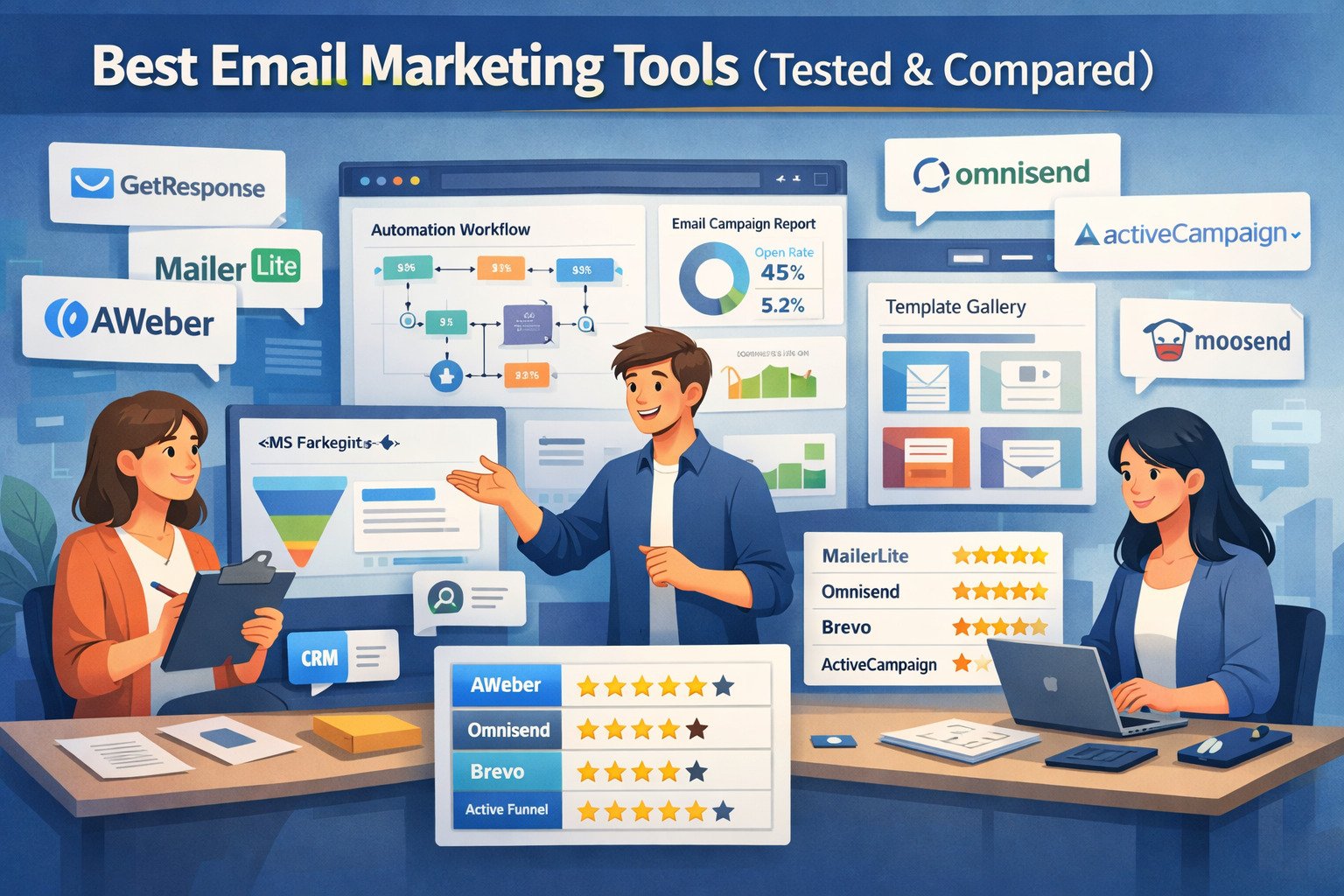 Best Email Marketing Tools (Tested & Compared)
 Email Automation Systems That Drive Revenue
 Email Leads Not Converting? Fix It With This Framework