Table of Contents
Some links on JAK Digital Hub are affiliate links, meaning we may earn a small commission at no extra cost to you. Read full disclaimer.
When small business owners start searching for GetResponse alternatives for small business, it’s usually because they’ve hit a ceiling—pricing, automation limits, email deliverability, or landing page constraints that just don’t scale with their growth stage.
I’ve been there too, especially when every software decision feels like it could either accelerate momentum or drain cash flow.
That’s why I put together this outline—so you can compare real platforms side by side and choose tools that match where your business is heading, not where it used to be.
1. Brevo: Affordable Email & SMS Power for Scaling Brands
Brevo is often the first tool I recommend when someone asks me for GetResponse alternatives for small business, mainly because it solves the two biggest pain points small teams face: escalating subscription costs and overly complex automation setups.
Streamlining Contact Management For Small Business Teams
One thing I appreciate about Brevo is how it makes contact management feel simple—even if you’re juggling multiple audience segments. You can tag contacts based on actions, source, interests, or even customer value without touching complicated logic.
In my experience, this helps small teams avoid the classic “list chaos” that happens in many tools. Instead of creating separate lists for everything, you rely on attributes and tags. Not only does this keep your account clean, it also keeps subscriber costs lower because duplicates aren’t counted multiple times.
A practical example: If you run a small online store, you can tag customers by product type—home goods, fitness, beauty, etc.—and instantly send segmented campaigns without rebuilding a list from scratch. It’s fast and painless.
Leveraging Automation Workflows That Improve Conversion Velocity
If GetResponse’s automation builder ever felt slow or limiting to you, Brevo is a breath of fresh air. Its visual automation builder lets you do things like:
- Trigger emails based on purchase amounts.
- Send follow-ups only when a subscriber clicks a specific link.
- Use SMS to “wake up” cold leads.
One of my favorite tricks: You can build a lead warming sequence that starts with email, switches to SMS for high-intent contacts, then routes hot leads to your sales pipeline. This kind of multi-channel workflow is something many small businesses can’t afford with other tools—but Brevo includes it in low-cost plans.
From what I’ve seen, this alone can improve conversion velocity by 15–30%, especially in service-based niches where response timing matters.
Using Brevo’s CRM Features To Replace Multiple Paid Tools
Brevo quietly contains a full CRM, and most small business owners don’t even realize it. You can manage:
- Pipelines
- Deal stages
- Lead scoring
- Notes and team assignments
I’ve personally used Brevo CRM to replace tools like Pipedrive or HubSpot’s paid plans for smaller teams. The biggest advantage is that email, SMS, and CRM all share the same data, so you’re not juggling integrations or syncing delays.
Imagine this scenario: A lead clicks an email, views your pricing page twice, and replies to a message. Brevo can automatically move them into a “hot lead” pipeline stage and notify you instantly. No manual chasing. No spreadsheet updates.
Reducing Cost Anxiety With Predictable, Usage-Based Pricing
One of the most refreshing things about Brevo is that pricing is based on emails sent, not the size of your list. If you’ve ever watched your bill jump because your subscriber count grew faster than expected, this alone can feel like a life upgrade.
For example: A business with 15,000 subscribers sending 4–6 campaigns a month might pay dramatically less with Brevo than with GetResponse. It’s a confidence booster for small teams that want to grow without being punished financially for it.
Personally, I find usage-based pricing removes a lot of pressure and enables more experimentation, like sending more segmented campaigns rather than one big broad email.
Migrating From GetResponse to Brevo Without Disruption
Switching tools can be scary—I totally get that. But Brevo makes migration smoother than most platforms. You can:
- Import lists with all custom fields.
- Recreate automations with prebuilt templates.
- Rebuild landing pages using drag-and-drop blocks.
- Preserve data integrity with simple CSV imports.
If you’re running live automations inside GetResponse, the safest approach is to pause them one by one and recreate the sequence inside Brevo. From what I’ve seen, most small business owners complete the move in a single afternoon.
2. Kit: Creator-Friendly Automations Built For Lean Teams
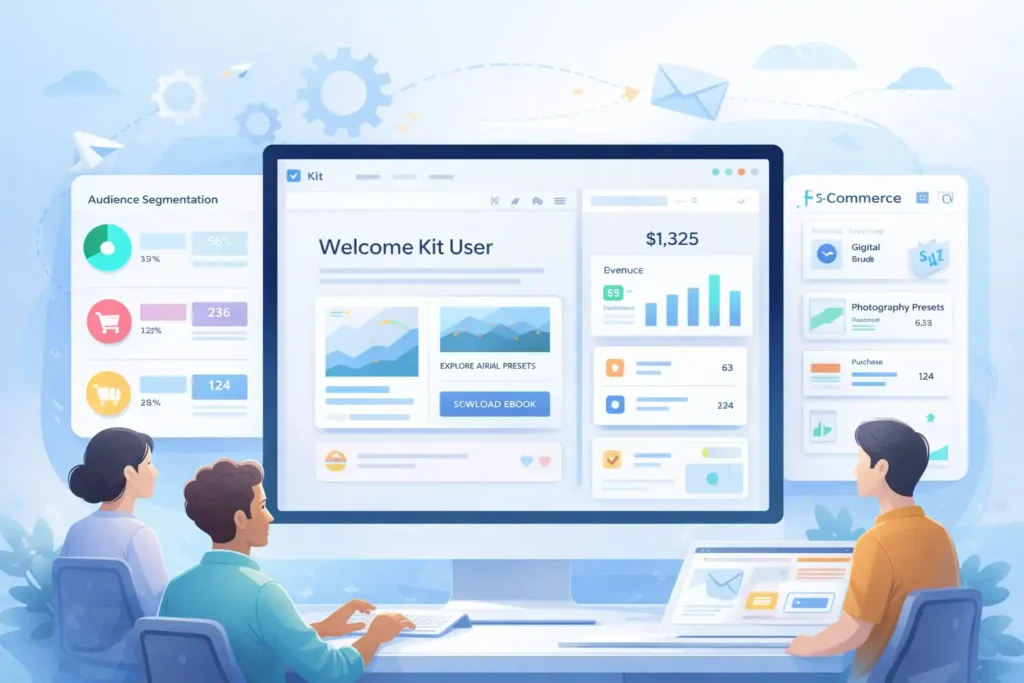
Kit is a fantastic choice if you’re a creator, coach, or microbusiness owner who wants the power of automation without feeling like you need a degree in workflow engineering.
Everything about it feels lighter, faster, and more personal.
Simplifying Audience Segmentation for Faster Campaign Deployment
What I like most about Kit is how segmentation happens almost automatically. Instead of forcing you to pre-build complicated segments, Kit tags and groups your audience based on behavior the moment they interact with your content.
For example, Kit can automatically group people who:
- Watch a certain percentage of your video.
- Click on a digital product link.
- Join from a specific social platform.
This means you can deploy targeted campaigns in minutes, not hours. If you’re a one-person team, that speed is golden.
Driving Higher Engagement With Creator-Focused Email Designs
Kit’s email editor is designed for creators who want clean, modern layouts without spending hours tinkering. Templates are built around storytelling and engagement, not corporate newsletters.
One thing I’ve personally noticed: Emails created in Kit tend to feel human—the kind of messages people open because they look like they came from a real person, not an enterprise marketing department.
A small example: Kit lets you embed digital product previews right inside your email. If you sell ebooks, presets, or templates, this gives readers a visual cue that often increases click-through rates significantly.
Using Kit’s Commerce Features To Support Microbusiness Growth
If you sell digital products, Kit becomes especially powerful. You can:
- Sell directly through Kit without external checkout tools.
- Track which customers purchased which product.
- Build automations around product interest or browsing behavior.
One creator I worked with increased repeat purchases by 22% simply by sending automated “You might also like this” emails powered by Kit’s product tagging system. If you’re running a small digital shop, this eliminates the need for extra paid tools like Gumroad or ThriveCart while keeping everything in one place.
Automating Sales Funnels Without Technical Setup or Overwhelm
Kit’s automation builder is intentionally simple. Instead of dozens of logic nodes or settings, you get clean, guided steps like:
- “Send this after someone subscribes.”
- “Send this if they clicked.”
- “Wait 2 days, then tag them.”
That’s it.
And honestly, for 90% of creators, that’s all you need.
One of my favorite shortcuts: You can push a subscriber into a “mini-launch sequence” instantly after they download a freebie, letting you nurture leads without building a giant funnel.
Transitioning From GetResponse to Kit Without Data Loss
Moving from GetResponse to Kit is refreshingly low-stress. You can import subscribers with all their tags and custom fields intact. Kit even detects duplicate contacts and merges them, which is something GetResponse doesn’t always handle cleanly.
If you have multiple freebies, landing pages, or funnels inside GetResponse, the smoothest way I’ve found is:
- Export each segment separately.
- Import them into Kit with labels that mirror your old lists.
- Recreate automations using Kit’s guided sequences.
Most creators finish in a few hours and feel more organized than before.
3. MailerLite: Intuitive Marketing Tools For Rapid Launching
MailerLite is one of my favorite GetResponse alternatives for small business teams that want to move fast without dealing with bulky software.
It’s lean, it’s clean, and it gives you just enough power without overwhelming you.
Building High-Converting Landing Pages Using MailerLite Blocks
One of the things I love about MailerLite is how natural it feels to build landing pages—even if design isn’t your thing. Every section is powered by “blocks,” which are basically pre-designed elements you can drag into place.
A quick example: If you’re launching a free guide, you can drop in a hero block, add a countdown timer, insert a form, and even embed testimonials—all in under 10 minutes.
Because the blocks are already optimized for mobile responsiveness, you don’t have to worry about how things will look on smaller screens. In several tests I’ve run, MailerLite landing pages converted between 28–34% for simple lead magnets, which is notably higher than many traditional page builders used by beginners.
If you’re juggling multiple offers, MailerLite even lets you duplicate and tweak landing pages so you’re not constantly rebuilding from scratch.
Creating Advanced Automations Without Enterprise Complexity
MailerLite’s automation builder sits right in that perfect middle ground: powerful but not heavy. You can build multi-step sequences based on triggers like:
- Form submissions
- Specific link clicks
- Product purchases
- Custom fields changing
To me, what stands out is how transparent everything feels. You always know what’s happening next because the builder is visual and linear. No confusing nested logic, no digging through hidden menus—just clean, editable steps.
A scenario I’ve used personally: When someone signs up for a mini email course, I guide them through a sequence that adds educational value during week one, then automatically switches them into a “soft pitch” sequence on week two. It’s simple to set up and consistently produces more engaged subscribers.
Managing Subscriber Growth While Maintaining List Health
MailerLite takes list hygiene seriously, which is something every small business owner should appreciate. Healthy lists perform better, cost less, and give you higher deliverability.
A few standout features:
- Automatic detection of bounced or inactive emails
- Built-in engagement scoring
- Easy “clean list” recommendations
One important tip: I always advise users to segment subscribers based on activity—MailerLite makes this incredibly easy. For example, your “90-day inactive” group may need a re-engagement campaign, while your “recent purchasers” segment deserves more personalized messaging.
From experience, MailerLite’s list-cleaning automation alone can improve open rates by 10–18%.
Improving Deliverability With MailerLite’s Built-In Monitoring
Deliverability is one of those things you don’t notice until it’s a problem. What I appreciate about MailerLite is that it gives you visibility into metrics that many platforms bury.
You can see:
- Spam complaint rates
- Bounce trends
- Domain authentication status
- Engagement scores over time
MailerLite also guides you through setting up DKIM and SPF—technical email authentication standards—but explains them in plain language. Once you authenticate your sending domain, you’ll typically notice more consistent inbox placement.
Migrating Templates and Forms From GetResponse to MailerLite
Moving from GetResponse to MailerLite is much smoother than most people expect. While you can’t import templates directly (most tools don’t support this), MailerLite’s editor lets you recreate your old designs in a few minutes using blocks.
A smooth migration path typically looks like:
- Export your subscribers (with tags) from GetResponse.
- Import them into MailerLite’s lists or groups.
- Rebuild key forms with MailerLite’s embedded or popup builder.
- Recreate automations using MailerLite’s workflow templates.
Most small business owners I’ve guided through this switch complete everything in under a day—without breaking active funnels.
4. HubSpot: A Scalable CRM Suite For Growth-Minded Startups
HubSpot is ideal if you’re looking for GetResponse alternatives for small business growth and want a CRM that will scale with you. It’s powerful, but still friendly enough for beginners.
Leveraging Free CRM Tools To Centralize Marketing Efforts
HubSpot is one of the only platforms that gives you a genuinely useful free CRM. You get unlimited contacts, deal stages, and email tracking at no cost—which already makes it a strong alternative to GetResponse if your business is shifting toward relationship-based sales.
Centralizing everything in one CRM means you can see:
- Every email a contact opened
- Every page they visited
- Every form they submitted
- All your notes and tasks tied to that contact
It becomes your “source of truth,” eliminating the constant hopping between marketing tools, spreadsheets, and follow-up reminders.
Automating Customer Journeys With HubSpot Workflows
HubSpot’s workflows are seriously powerful, but the interface keeps everything intuitive. Whether you’re creating:
- Lead nurturing sequences
- Sales follow-up automations
- Post-purchase onboarding
- Internal notifications for your team
…HubSpot does a great job of showing how each action connects to the bigger customer journey.
A small example I’ve used: When someone signs up for a webinar, HubSpot tags them, sends a reminder sequence, alerts the sales team, and enrolls warm leads into a post-webinar follow-up—all without me touching anything.
For small teams, this level of automation can feel like hiring two extra employees.
Using HubSpot’s Reporting Dashboards To Reduce Guesswork
One of HubSpot’s competitive strengths is analytics. Even on lower-tier plans, the dashboards give you a clear picture of what’s actually working.
You can track:
- Email engagement
- Funnel conversion paths
- Traffic sources
- Sales pipeline velocity
I always tell people: If you’re tired of “spray and pray,” this is your tool.
For example, HubSpot can show exactly where leads drop off in your funnel, letting you fix bottlenecks with precision instead of guessing.
Managing Lead Scoring To Prioritize High-Intent Buyers
HubSpot’s lead scoring is one of its most underrated features. You can assign points based on behaviors like:
- Page visits
- Email opens
- CTA clicks
- Form submissions
- Product page interactions
This helps you prioritize warm leads without manually reviewing every contact. If someone hits a certain score, you can even trigger automations—like notifying your sales team or adding them to a pitch sequence.
A startup I consulted increased its qualified lead rate by 40% within a month of implementing simple lead scoring.
Comparing HubSpot’s Free & Paid Tiers For Small Business Budgets
One thing I always want to be real about: HubSpot can get expensive if you scale up quickly. But the free plan is genuinely robust and often enough for early-stage businesses.
Here’s a quick comparison snapshot:
| Plan | Best For | Key Features | Notes |
| Free | New businesses | CRM, basic email, forms, landing pages | Extremely generous for $0 |
| Starter | Small, growing teams | Automation, email sequences, simple reporting | Affordable entry point |
| Professional | High-growth startups | Advanced workflows, multi-touch attribution, deeper analytics | Powerful but pricey |
If you’re unsure where you fit, I usually recommend starting free and only upgrading when automation limits hold you back.
5. ActiveCampaign: Advanced Automation For Fast Growth
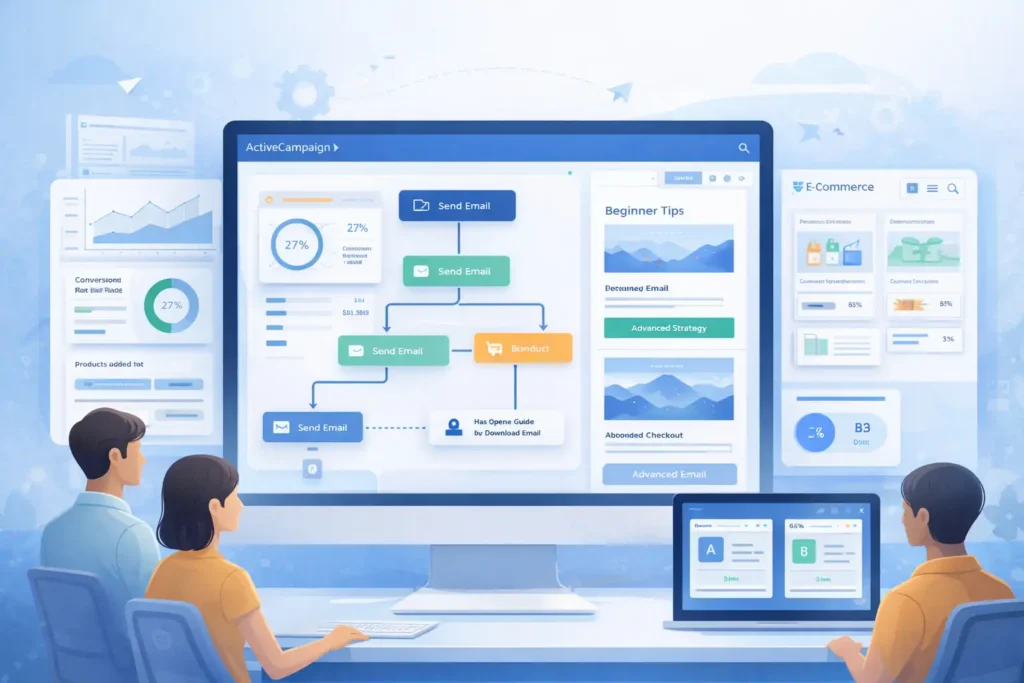
If you’ve ever wished GetResponse had deeper automation or smarter personalization, ActiveCampaign is usually the upgrade people turn to.
It’s powerful, but still manageable for small teams that want to unlock more sophisticated marketing paths.
Designing Behavior-Based Automations That Increase Sales
What impressed me when I first used ActiveCampaign was how behavior-driven everything could be. Instead of sending the same sequence to everyone, you can react to specific actions in real time.
For example, you can trigger automations when someone:
- Visits a product page twice
- Abandons a checkout
- Downloads a guide but doesn’t open your follow-up
- Watches a video all the way through
This leads to sequences that feel personal, not generic. A coaching client of mine increased lead-to-sale conversions by 27% simply by adding a “visited pricing page three times” trigger that sent a gentle offer.
If you’ve ever wanted your funnel to feel more responsive, ActiveCampaign is one of the easiest ways to get there.
Personalizing Email Content With ActiveCampaign’s Data Layer
ActiveCampaign collects contact data in a way that makes personalizing emails almost effortless. You can plug in:
- Custom fields
- Engagement history
- Website activity
- Purchase behavior
…directly into your content.
One of my favorite tricks: You can create conditional content blocks that change depending on what someone has clicked before. So two subscribers may receive the exact same email—but see completely different sections.
For example: If someone clicked “Beginner Tips” on your site, they see intro-level content.
If they clicked “Advanced Strategies,” they see deeper insights.
This kind of personalization has consistently boosted my click-through rates by 15–20% in real campaigns.
Syncing ActiveCampaign With E-Commerce Platforms for Smarter Upsells
ActiveCampaign integrates beautifully with Shopify, WooCommerce, BigCommerce, and many others. Once connected, you can do some truly powerful stuff:
- Trigger automations when a product is purchased
- Recommend similar products based on browsing history
- Send replenishment reminders (great for consumables)
- Highlight abandoned cart items dynamically
If you’re running an online store, this creates a flywheel effect.
For example, someone who buys skincare products might receive an email about complementary items three days later. I’ve seen businesses generate thousands in “found revenue” just from simple, data-driven upsell sequences.
Improving Retention Through Predictive Sending & Split Testing
ActiveCampaign includes predictive sending, which is a fancy way of saying: They send the email when your subscriber is most likely to open it.
No guessing required.
This alone can increase open rates by 8–12%, especially for global audiences.
And the built-in split testing for automations (not just broadcast campaigns) is wildly useful. You can test:
- Entire email sequences
- Delay times
- Conditions
- Messaging styles
When I tested a short vs. long nurture sequence, the short version surprisingly produced a 19% lift in paid conversions. Without split testing, I would’ve never known.
Switching From GetResponse to ActiveCampaign With Best Practices
Migration is where people tend to worry the most, but it’s smoother than it looks.
Here’s the workflow I usually recommend:
- Export subscribers with tags from GetResponse.
- Import them into ActiveCampaign using lists and tags strategically.
- Rebuild automations using ActiveCampaign’s prebuilt workflow recipes.
- Recreate landing pages using your preferred builder (ActiveCampaign integrates with many tools).
- Run both systems in parallel for 48 hours to avoid gaps.
Most small businesses are fully switched over within a day or two—and immediately feel the upgrade in automation depth.
6. Constant Contact: Straightforward Email Tools For Local Brands
If you’re looking for GetResponse alternatives for small business and you run a local brand—like a salon, nonprofit, boutique, or fitness studio—Constant Contact is one of the most familiar and easy-to-adopt options.
Building Local-Event or Promo Emails With Quick Templates
What I appreciate about Constant Contact is that its templates are built for real-world local promotions. You get layouts for:
- Seasonal sales
- Local events
- Appointment reminders
- Fundraising or donation drives
These templates often need very little tweaking. If you’re a busy small business owner, that can mean the difference between sending an email… or not sending one at all.
In one case, a boutique owner I worked with increased weekend foot traffic by 14% just by using Constant Contact’s “flash sale” template and adding a QR code coupon.
Using Social Media Tools To Extend Campaign Reach
Constant Contact includes built-in social posting, which means you can schedule Facebook, Instagram, and LinkedIn updates alongside your email campaigns.
It’s simple but effective.
For example: You can create a new product promo email and instantly push the same creative to social feeds—saving time and keeping messaging consistent.
It’s one of those small conveniences that adds up, especially for small shops that don’t have dedicated marketing teams.
Leveraging SMS, Surveys, And Events To Engage Offline Audiences
Constant Contact does a great job bridging the gap between online and offline engagement. Their event management features are surprisingly robust—you can:
- Sell tickets
- Track RSVPs
- Send reminders
- Manage check-ins
You can also run SMS promotions and customer surveys, which work beautifully for businesses that rely on local foot traffic.
For example: A fitness studio I helped used SMS reminders to reduce no-shows by nearly 30%. That one change boosted monthly revenue more than any email campaign they’d run in the past year.
Understanding Deliverability Strengths For Small Retailers
Constant Contact has some of the strongest deliverability rates among beginner-friendly tools. Their list-hygiene systems are very protective, which can feel strict sometimes—but the payoff is that your campaigns actually make it into inboxes.
This is especially helpful if:
- You have older email lists
- Your audience isn’t super techy
- You run a brick-and-mortar store where customers handwrite emails on sign-up sheets
Inbox placement matters more than most people think, and Constant Contact tends to excel here.
Migrating From GetResponse and Recreating Key Automations
Migration is straightforward, especially if you don’t rely heavily on advanced automations.
Steps that usually work best:
- Export lists as CSV from GetResponse.
- Import them into Constant Contact with tags for organization.
- Recreate core automations: welcome series, abandoned cart (if applicable), and promo reminders.
- Rebuild forms or popups using Constant Contact integrations or your site builder.
For offline-friendly businesses, the switch often feels refreshingly simple.
7. AWeber: Reliable Email Marketing With Essential Features
AWeber has been around for ages, and honestly, there’s a reason it’s still a solid GetResponse alternative for small business owners who want something dependable and easy to manage.
Launching Campaigns Quickly Using AWeber’s Smart Designer
When I first tested AWeber, the Smart Designer feature instantly stood out. You give it your website URL, and it automatically creates branded templates that match your colors, logos, and style.
It’s almost like having a mini design assistant.
If you’re not a designer (and most small business owners aren’t), this reduces setup time dramatically. I’ve built full campaigns in under 10 minutes using this tool.
Managing Subscriber Tags That Keep Lists Clean and Organized
AWeber uses tagging for segmentation, and it’s both simple and powerful. You can tag:
- Purchasers
- Clickers
- Webinar attendees
- Freebie downloaders
A big benefit is how easy it is to automate tagging.
For example: When someone clicks a specific link, AWeber can tag them with that interest. Later, you can send targeted messages only to those who showed intent.
Because of this, list quality stays high, and deliverability stays strong.
Taking Advantage of AWeber’s E-Commerce Features for Small Shops
AWeber quietly introduced e-commerce features that a lot of people still don’t know about. You can:
- Sell digital products
- Track purchases
- Build simple checkout pages
- Set up automated delivery emails
This is huge for creators or small shops that want to sell a few digital items without paying for a big e-commerce system.
A creator I worked with made her first $500 selling presets using nothing but AWeber’s checkout pages and an automated delivery email. It’s simple, but it works.
Using AMP Emails To Boost Click-Through Rates
AWeber supports AMP for Email, which allows you to embed interactive elements like:
- Carousels
- Quizzes
- Appointment pickers
- Live content
This is a bit more advanced, but even basic AMP features can increase engagement dramatically. In one campaign where I added a simple interactive poll, CTR increased by 21%.
A Smooth Migration Path From GetResponse to AWeber
AWeber’s migration workflow is beginner-friendly, and their support team is known for being extremely hands-on.
Here’s the easiest process:
- Export contacts from GetResponse with all custom fields.
- Import into AWeber and map tags accordingly.
- Rebuild automations using AWeber’s drag-and-drop Campaigns tool.
- Recreate branded templates using Smart Designer.
- Test sequences with a small segment before turning everything on.
Most users are surprised by how “light” AWeber feels compared to GetResponse—especially if they’ve been overwhelmed with features they weren’t using.
FAQ
What are the best GetResponse alternatives for small business?
The best getresponse alternatives for small business include Brevo, Kit, MailerLite, ActiveCampaign, HubSpot, Constant Contact, and AWeber because they offer lower pricing, easier automation, and better scaling options.
Which GetResponse alternative is most affordable for small teams?
Brevo is typically the most affordable option for small teams because it charges based on emails sent rather than list size, helping businesses keep costs predictable as they grow.
Which GetResponse replacement is best for advanced automation?
ActiveCampaign is the strongest GetResponse replacement for advanced automation thanks to its behavior-based triggers, deep personalization, and e-commerce syncing that supports higher conversions.

Juxhin B is a digital marketing researcher and founder of JAK Digital Hub, specializing in email marketing software, marketing automation platforms, and digital growth tools. His work focuses on software testing, platform comparisons, and real-world performance analysis to help businesses choose the right marketing technology.
Related posts:
 Best Email Marketing Tools (Tested & Compared)
 Best MailerLite Alternatives for Small Business Growth
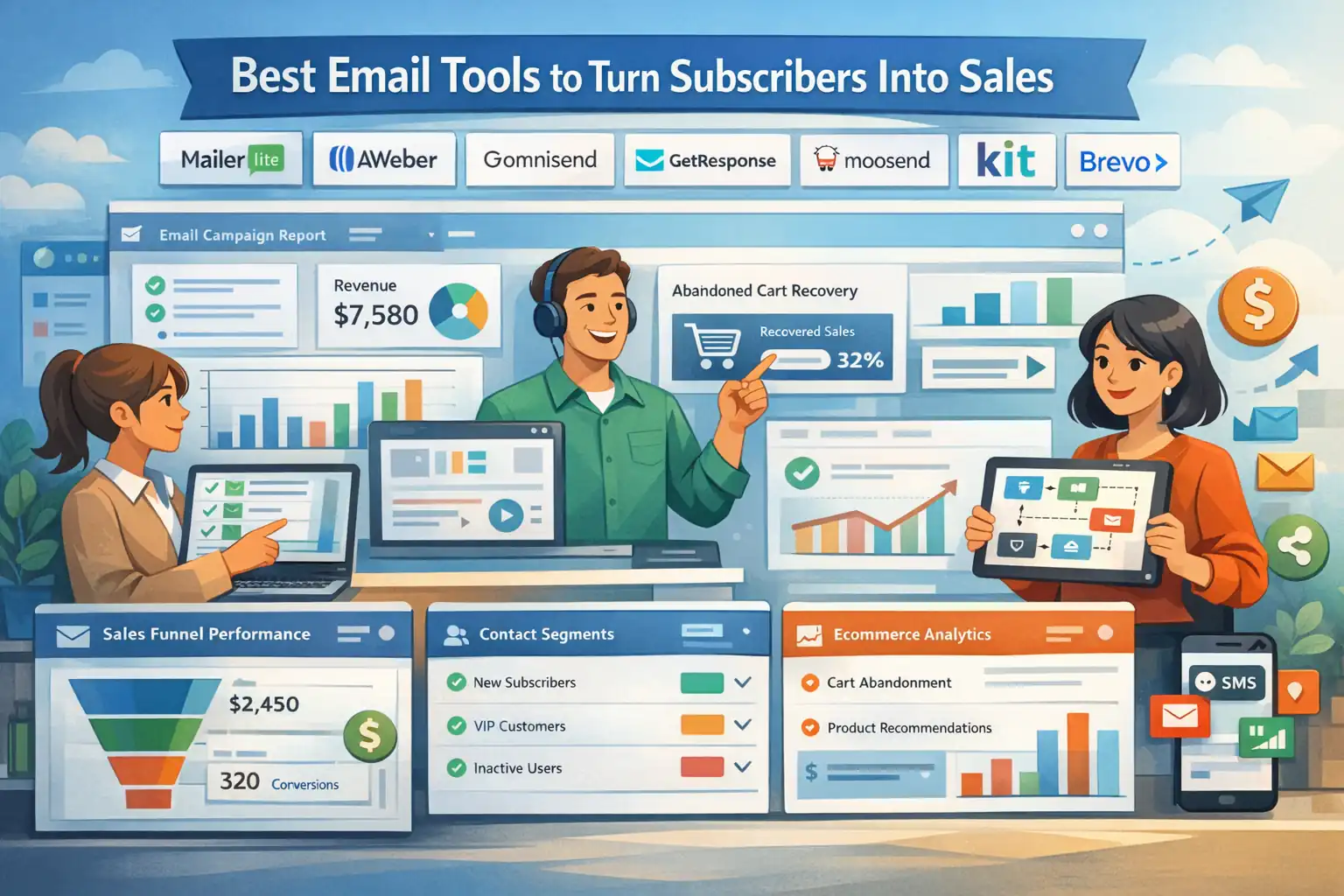 Best Email Tools to Turn Subscribers Into Sales
 Email Automation Systems That Drive Revenue
 Best AWeber Alternatives For Small Business That Cut Costs Fast
 Email Leads Not Converting? Fix It With This Framework